
Instagram Photo Resizer
Resize your photos for Instagram feed, stories, and reels with precision. Support for 1:1 square (1080x1080), 4:5 portrait (1080x1350), and 9:16 vertical (1080x1920) formats. Maintain image quality while meeting Instagram's size requirements. Perfect for influencers, businesses, and content creators. Smart scaling ensures your photos look sharp on all devices. Automatic aspect ratio preservation prevents distortion. Bulk resize multiple photos at once for consistent branding across your profile.
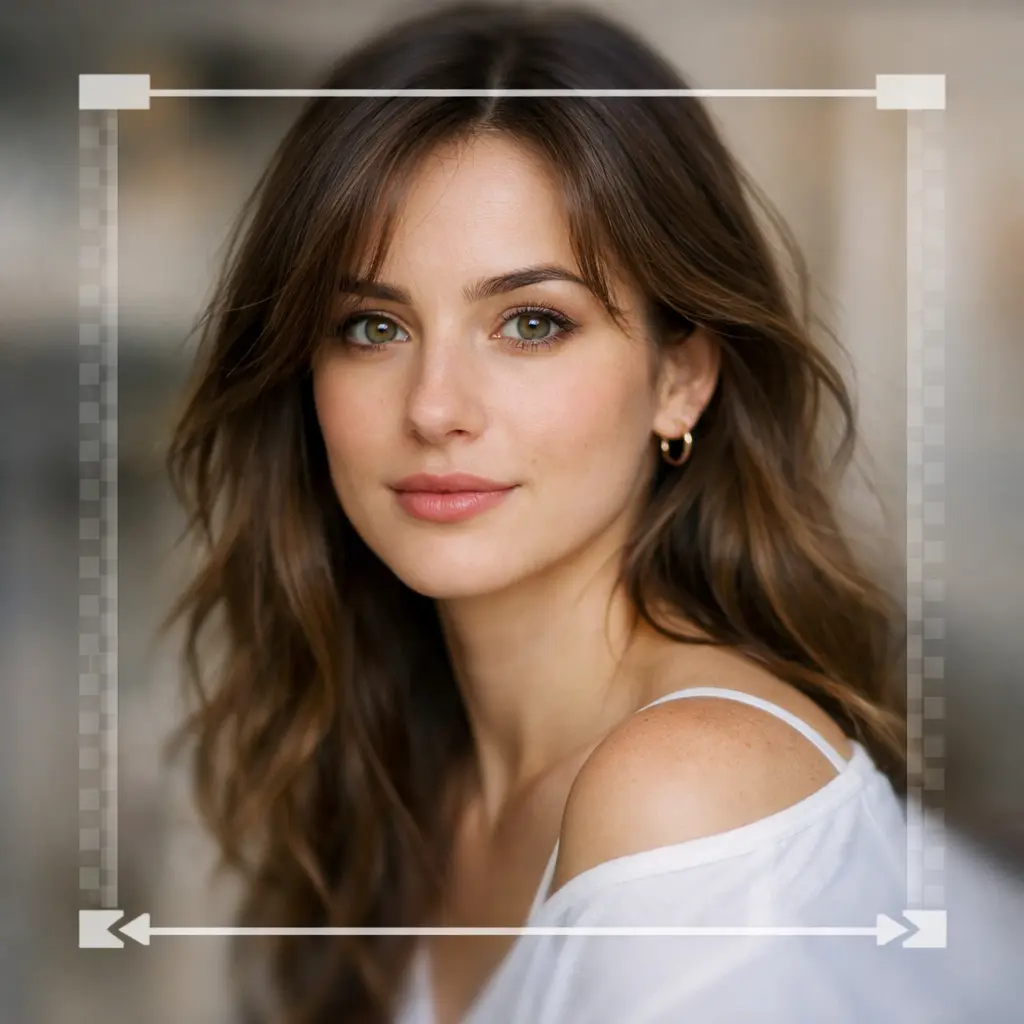
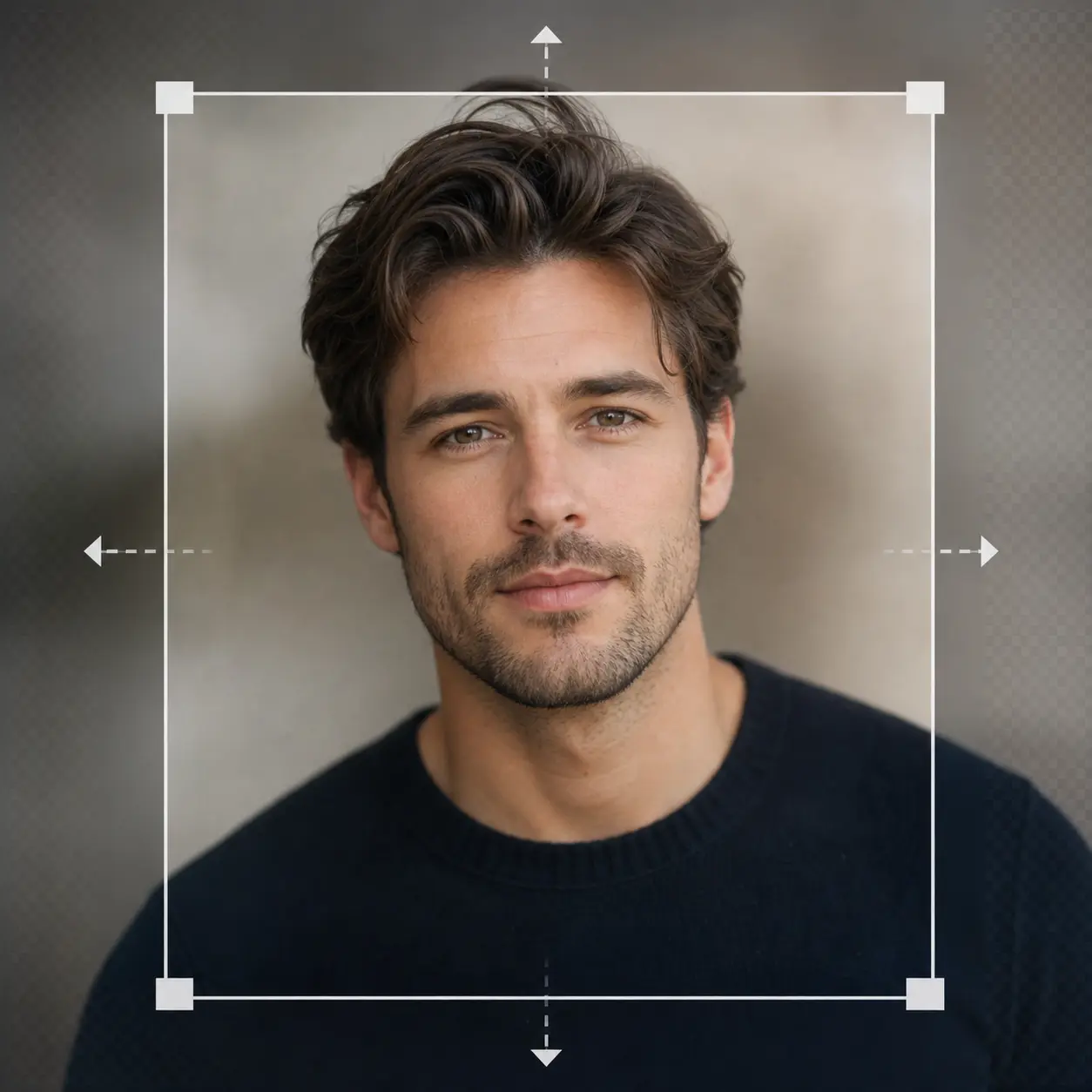
Profile Picture Resizer
Optimize your profile photos for dating apps and professional networks. Resize for Tinder (640x640), Bumble (640x640), Hinge (640x640), LinkedIn (400x400), and more. Ensure your photos meet platform specifications while looking their best. Make a strong first impression with properly sized profile pictures. AI-powered face detection keeps your face centered and properly framed. Quality optimization ensures your photos look professional and attractive. Support for circular and square profile picture formats.
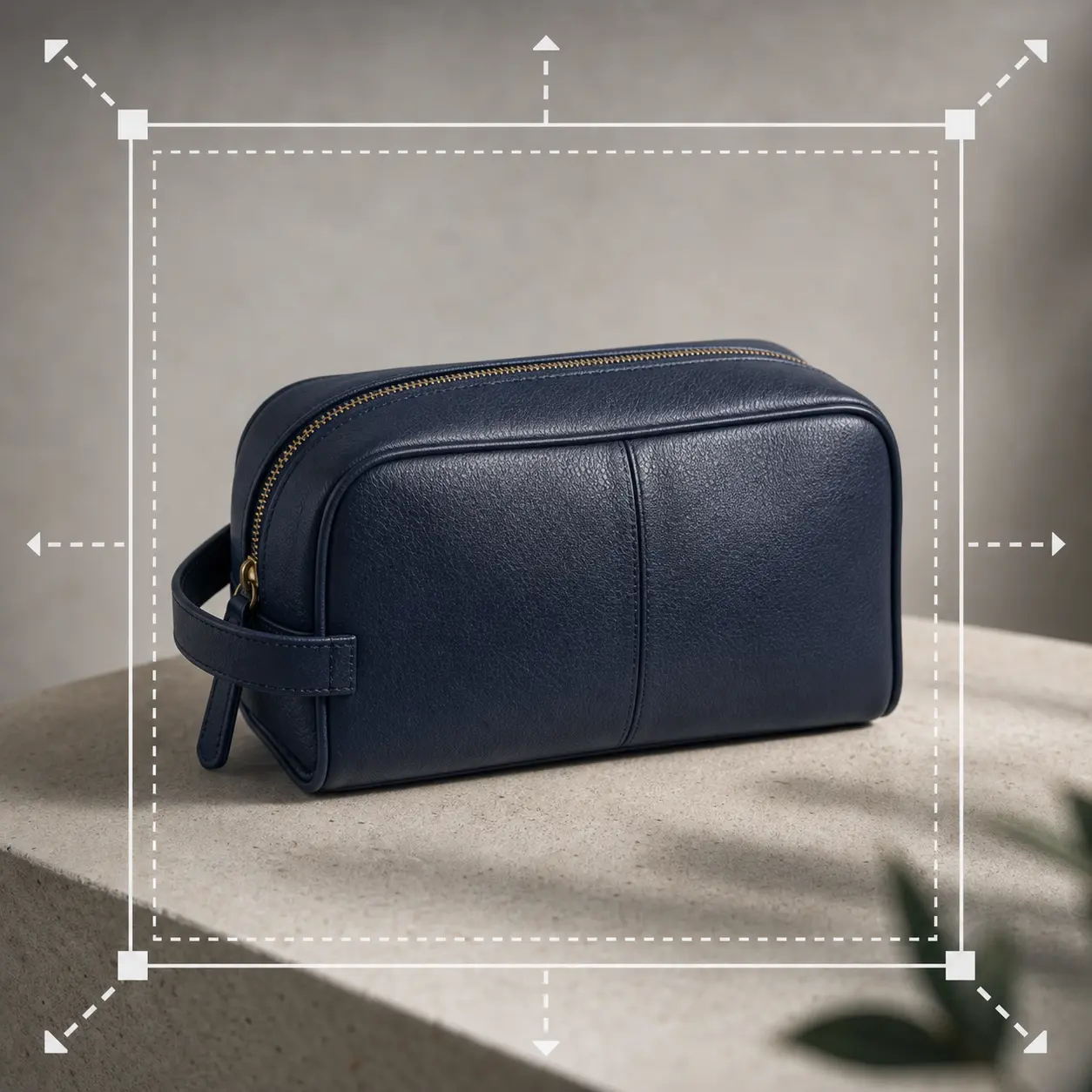
Product Image Resizer
Resize product images for Amazon (2000x2000), Shopify (2048x2048), eBay (1600x1600), and Etsy (2000x2000). Meet marketplace requirements with consistent sizing. Optimize file sizes for faster loading while maintaining quality. Improve your store's performance and customer experience. Batch processing for entire product catalogs. Automatic white background detection and optimization. Maintain aspect ratio or force square format as needed. Compress images without visible quality loss for faster page loads.
Why Nothron Photo Resizer?
The fastest, most secure, and easiest image resizing experience
Instant Processing
Resize and rescale your photos in seconds. No waiting, instant results.
Mobile Compatible
Access from any device. Desktop, tablet, or mobile - works everywhere.
Secure and Private
Your photos are safe. Your data is never shared with third parties.
High-Quality Precision
Achieve the exact size and dimensions with pixel-perfect resizing tools.
How It Works?
Perfect images in just 3 simple steps
Upload Photo
Drag and drop or select a file. JPG, PNG, WebP and more formats supported.
Resize and Scale
Choose your desired size and dimensions. See the result instantly with preview.
Download
Download your perfect image in high quality. Use it on social media immediately.
Use Cases
Perfect sizes for every platform
Social Media
Perfect sizes for Instagram, Facebook, Twitter
Profile Photos
Ideal profile photo sizes for all platforms
E-Commerce
Professional resizing for product photos
Advantages
Why do thousands of users choose Nothron?
Frequently Asked Questions
Answers to all your questions about image resizing
¿Cómo redimensionar fotos online gratis sin perder calidad?
El redimensionador de fotos online gratis de Nothron permite redimensionar imágenes sin pérdida de calidad usando tecnología AI avanzada. Sube tu foto, selecciona dimensiones personalizadas o usa plantillas, y obtén resultados de alta calidad instantáneos. Nuestro escalado inteligente preserva la resolución mientras optimiza el tamaño del archivo.
¿Qué formatos de imagen soporta el redimensionador de fotos online gratis?
Nothron soporta JPG, JPEG, PNG, WebP, GIF, BMP y TIFF. Procesa todos los formatos populares sin problemas con tamaño máximo de 10MB. Exporta a PNG, JPG o WebP con ajustes de calidad configurables.
¿Cómo redimensionar fotos para perfil y publicaciones de Instagram en 2024?
Redimensiona fotos de Instagram fácilmente con plantillas de Nothron: 1080x1080 para publicaciones, 1080x1350 para retrato, 1080x1920 para stories y reels. Nuestro escalado inteligente optimiza automáticamente las dimensiones para los requisitos de Instagram.
¿Hay un redimensionador de fotos gratis sin registro o suscripción?
Sí, el redimensionador de fotos de Nothron es completamente gratis sin registro requerido. Comienza a redimensionar inmediatamente sin crear cuenta. El registro opcional permite guardar historial y acceder a funciones premium.
¿Cuáles son los mejores tamaños de foto para Tinder, Bumble, Hinge y LinkedIn?
Tinder, Bumble, Hinge: 640x640px (1:1). LinkedIn: 400x400px (1:1). Facebook: 170x170px. Nothron ofrece plantillas optimizadas para apps de citas y redes profesionales con escalado inteligente.
¿Cómo redimensionar imágenes de productos para tiendas e-commerce Amazon, Shopify y eBay?
Amazon: 2000x2000px (1:1, máx 500MB). Shopify: 2048x2048px. eBay: 1600x1600px. Las plantillas e-commerce de Nothron aseguran dimensiones consistentes y productos centrados para aumentar conversión de ventas.
¿El redimensionamiento online reduce la calidad y resolución de imagen?
No, Nothron usa tecnología de redimensionamiento sin pérdida para preservar la resolución original. Ajusta configuraciones de calidad para JPG (1-100) y PNG. El formato WebP ofrece tamaños de archivo más pequeños con calidad mantenida.
¿Puedo redimensionar múltiples fotos a la vez gratis?
El redimensionamiento por lotes está disponible en la versión premium de Nothron. Aplica configuraciones idénticas simultáneamente a múltiples fotos, ahorrando tiempo para tiendas e-commerce y gestores de redes sociales.
¿Cómo redimensionar fotos en dispositivos móviles iPhone y Android?
El redimensionador de fotos de Nothron es completamente móvil-optimizado. Úsalo en dispositivos iOS y Android, teléfonos y tablets. Interfaz optimizada para tacto permite fácil redimensionamiento de fotos directamente desde tu navegador móvil.
¿Están mis datos de foto seguros y privados al usar el redimensionador online?
Sí, tus fotos se procesan a través de conexiones encriptadas y nunca se comparten con terceros. Activa el borrado automático después del procesamiento para privacidad completa. Nothron prioriza seguridad y protección de datos.
¿Qué es la relación de aspecto y cómo elegir la correcta para redes sociales?
La relación de aspecto es la proporción de ancho a alto. Instagram: 1:1 (cuadrado), 4:5 (retrato), 9:16 (story). YouTube: 16:9. Facebook: 1:1, 4:5. LinkedIn: 1:1. Las plantillas de Nothron seleccionan automáticamente las relaciones correctas.
¿Qué hace a Nothron el mejor redimensionador de fotos online gratis comparado con otros?
Nothron ofrece escalado inteligente con IA, plantillas específicas de plataforma (Instagram, Tinder, Amazon), salida de calidad sin pérdida, sin marcas de agua, sin registro requerido y diseño móvil-optimizado. Funciones profesionales en versión gratis.
Online Photo Resizing Guide: Learn Everything
Photo resizing is one of the most fundamental yet important techniques in photography and digital image processing. When used correctly, ordinary photos can be transformed into professional masterpieces. As Nothron, we share the intricacies, tips, and professional techniques of photo resizing in this comprehensive guide.
What is Photo Resizing and Why is it Important?
Photo resizing is the process of changing the dimensions of a photo while maintaining or adjusting its quality. This operation optimizes the image for different platforms, reduces file size, and ensures proper display across devices. For professional photographers, resizing is one of the most critical post-shooting steps.
Good resizing ensures the photo looks its best on any platform. Imagine you're preparing a photo for Instagram; the wrong dimensions can cause the image to be cropped or look pixelated. With proper resizing, the photo displays perfectly, maintains quality, and provides a professional appearance.
Advantages of Online Photo Resizing Tools
Compared to traditional desktop software, online photo resizing tools offer many advantages. First, they provide access from any device and any location. Even if you don't have your computer, you can resize photos instantly from your phone or tablet. This feature is indispensable for mobile professionals.
The second advantage is that it requires no installation. You don't need to download and install heavy software like Photoshop or Lightroom. Open your browser, go to Nothron photo resizer, and start working immediately. This saves both time and disk space.
The third and perhaps most important advantage is automatic updates. New features, improved algorithms, and new format supports are automatically offered to you. You don't have to manually update the software.
Professional Resizing Techniques and Rules
Maintaining aspect ratio is the foundation of quality resizing. When you resize an image, keeping the original proportions prevents distortion and stretching. Nothron's smart resizing tool automatically maintains aspect ratio to create the most professional results.
Percentage-based resizing is very important for batch processing. When you need to resize multiple photos to the same relative size, using percentages ensures consistency across all images while maintaining their individual proportions.
Dimension-based resizing is crucial for platform compliance. Each platform has specific size requirements, and Nothron's ready-made templates automatically apply these dimensions with a single click.
Photo Resizing Sizes and Techniques by Platform
Instagram Photo Resizing: Feed, Story and Reel Sizes
Instagram offers different size requirements for different content types. For feed posts, 1:1 (1080x1080 pixels) square format is ideal. For vertical portraits, 4:5 (1080x1350 pixels) format shows more content while using the screen better.
For Instagram Story and Reels, 9:16 (1080x1920 pixels) size is mandatory. This full-screen vertical format allows users to fully focus on the content. Nothron's Instagram ready-made templates automatically apply all these sizes and create the best dimensions with smart scaling.
Thumbnail Resizing for YouTube and Video Platforms
16:9 (1280x720 pixels) is the standard size for YouTube thumbnails. However, what's important is not just the size, but that the thumbnail is clearly readable even at small sizes. Facial expressions, high-contrast colors, and minimal text usage are critical for high click-through rates.
Nothron's YouTube thumbnail template automatically applies the 16:9 ratio and places faces and important objects right in the center with center focusing. It also shows safe areas for text, ensuring your headlines look proper on every device.
LinkedIn Profile and Cover Photo Resizing
For LinkedIn profile photo, 1:1 (400x400 pixels minimum) square format should be used. A professional business portrait is created with a clean and professional background and a clear face.
For LinkedIn cover photo (banner), 4:1 (1584x396 pixels) horizontal format is ideal. In the cover photo, the area between the bottom of the profile photo and the top of the content should be left empty. Nothron's LinkedIn template automatically meets these technical requirements.
Facebook Page and Event Photos
For Facebook profile photo, 1:1 (170x170 pixels) square format is used. For cover photo, 16:9 (851x315 pixels) horizontal format is ideal. 1200x630 pixels is recommended for share images.
For Facebook event cover photos, 16:9 (1920x1080 pixels) size is used. In event photos, keeping text and important visual elements centered ensures consistency across mobile and desktop views.
Platform-Specific Guides
Optimized sizes and techniques for each platform
Social Media
- Instagram: 1:1, 4:5, 9:16
- Facebook: 16:9, 1:1
- Twitter: 16:9
- LinkedIn: 1:1, 4:1
Dating Apps
- Tinder: 640x640 (1:1)
- Bumble: 640x640 (1:1)
- Hinge: 640x640 (1:1)
- OkCupid: 1000x1000
E-Commerce
- Amazon: 2000x2000
- Shopify: 2048x2048
- eBay: 1600x1600
- Etsy: 2000x2000
Video Platforms
- YouTube: 16:9 (1280x720)
- TikTok: 9:16
- Vimeo: 16:9
- Twitch: 16:9
Nothron vs Other Photo Resizers
Why should you choose Nothron?
| Özellik | Nothron | Diğer Araçlar |
|---|---|---|
| AI Smart Scaling | ✓ | ✗ (paid) |
| Watermark-Free Output | ✓ | ✗ |
| No Registration Required | ✓ | ✗ |
| Ready Platform Templates | ✓ | Limited |
| Mobile Compatible | ✓ | Partially |
| Batch Processing | ✓ | ✗ |
| High Quality Output | ✓ | HD |
| Privacy and Security | ✓ | Variable |
User Reviews
Thousands of users choose Nothron
"I use Nothron for my Instagram photos. The resizing feature is useful and the results are good."
Jessica Martinez
Social Media Manager
"I can quickly resize product photos for my online store. It streamlines my workflow."
Robert Thompson
E-Commerce Owner
"I used it to edit my profile photo. The smart scaling feature works."
Olivia Anderson
Freelancer
"Simple and effective tool. Meets my daily photo editing needs."
James Wilson
Content Creator
What You Need to Know About Photo Resizing
Online photo resizing tools have become an indispensable part of visual content production in the digital age. Whether you're creating content for social media or preparing product photos for your e-commerce store, the right resizing techniques and tools determine your success. At Nothron, we offer our users the most advanced, easy-to-use and completely free photo resizing experience.
Why is Photo Resizing Important?
A photo's dimensions directly determine its impact. Good resizing ensures the image displays correctly on all platforms, removes unnecessary file size, and strengthens the visual presentation. Especially on social media platforms, users have very short attention spans and first impressions are vital. A properly resized photo loads faster, increases engagement rates, and grows your follower count.
Knowing the ideal sizes and ratios for Instagram photo resizing ensures your content looks its best on the platform. Different platforms have different requirements: 1:1 for Instagram feed, 9:16 for story, 1:1 for LinkedIn, 16:9 for YouTube thumbnail, etc. Nothron offers ready-made templates for all these platforms and applies the correct sizes with a single click.
What to Look for When Choosing a Free Photo Resizer?
There are many free online photo resizers on the market, but they are not all of the same quality. When choosing, you should pay attention to these criteria: Output quality (high resolution), no watermarks, ease of use, mobile compatibility, privacy policy, and supported file formats. Nothron offers the highest standards in all these criteria.
Advanced features are also important for professional photo resizing. AI-powered smart scaling, percentage-based resizing, dimension-based resizing, and automatic quality optimization save significant time, especially when doing batch processing. Nothron's AI technology makes these professional features available to everyone for free.
Photo Resizing Tips and Tricks
To resize like a professional photographer, you need to know some basic rules. Aspect ratio preservation, dimension accuracy, and quality optimization elevate your photos from ordinary to extraordinary. Nothron's guide lines and smart suggestions help you automatically apply these rules.
We also offer practical solutions for mobile photo resizing. You can upload photos taken with your phone to Nothron via your mobile browser, resize them, and immediately share them on social media. No need to download an app, all features work through the web browser.
Advantages of Resizing with Nothron
- Completely free and watermark-free output
- AI-powered smart scaling and quality optimization
- Ready-made templates for 20+ platforms
- Instant use without registration
- Full mobile and desktop compatibility
- High-quality 4K outputs
- Secure and private processing (data never stored)
- Save time with batch processing feature
Statistics
Reliable and popular photo resizer tool
Get Started
Join thousands of users perfecting their photos. Try it for free and discover the difference.
No credit card required • Free trial • Instant results