
Upload Your Photo
Drag and drop or browse
JPG, PNG, WebP, JPEG, GIF, BMP, and TIFF
Your Family Photos with Nothron Legacy Touch — Bring Precious Memories Back to Life
Restore scratched, faded, and damaged family photos from dusty albums. AI-powered restoration for low-resolution vintage photos — professional quality in seconds.
10,000+ users old and damaged family photos Nothron Legacy Touch with restored.
Bring Old Family Portraits Back to Life
Faded faces, discolored tones, and loss of detail — our AI restores the warmth and clarity of your family's most treasured moments.
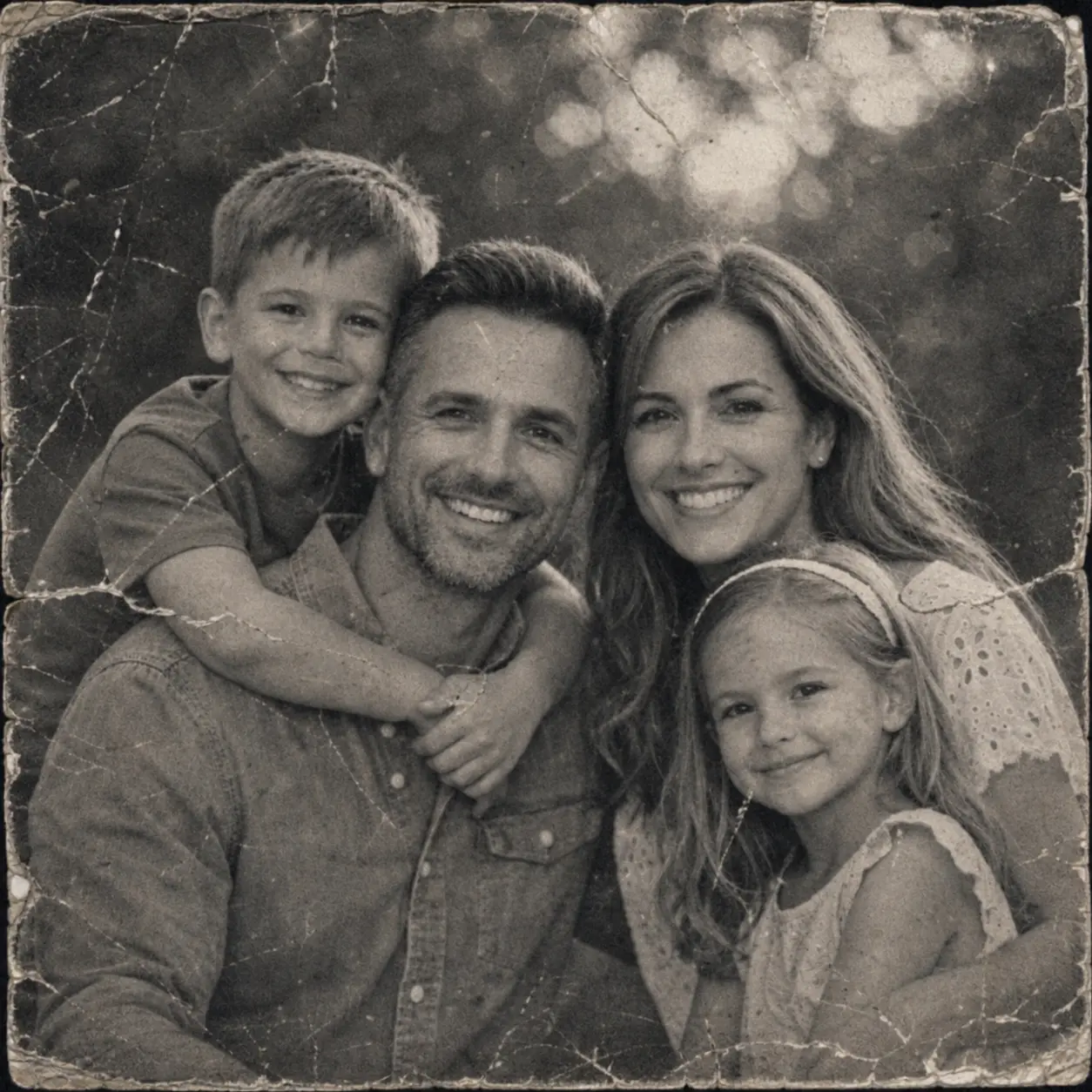

Repair Scratches, Tears, and Water Damage
Physical damage won't stop your memories. Our AI reconstructs missing areas and removes scratches, creases, and stains invisibly.
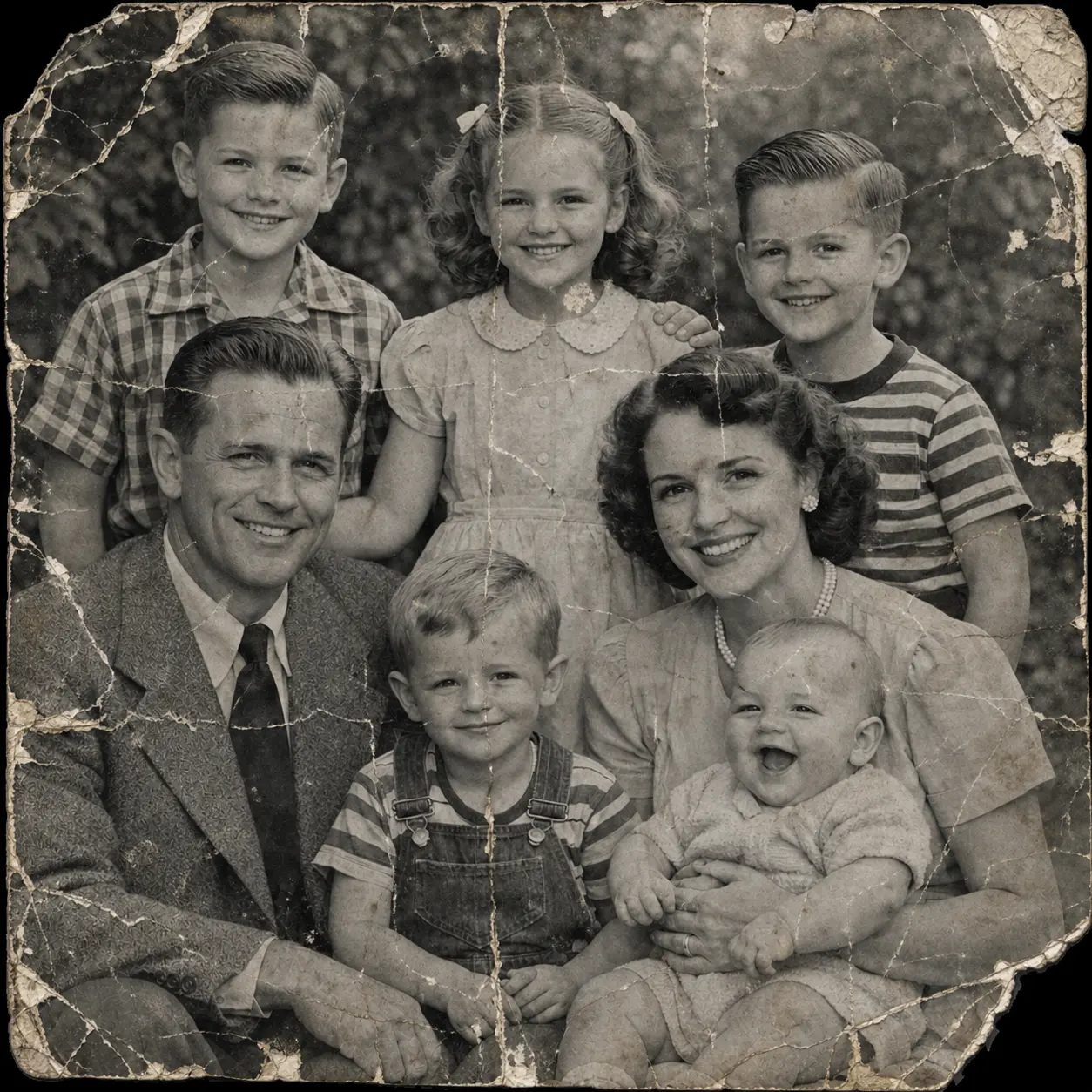
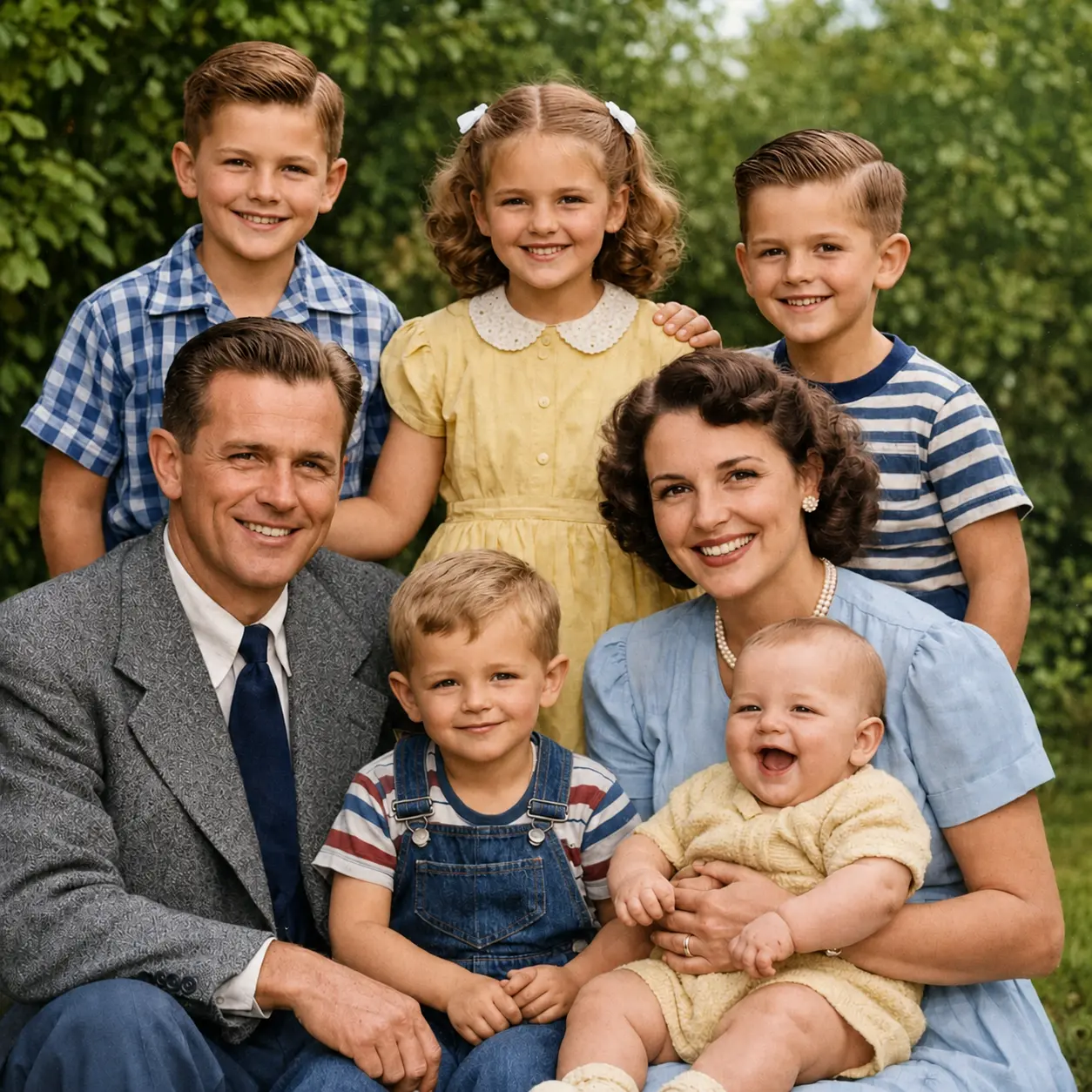
Transform Blurry Photos into Crystal-Clear Memories
Low-resolution photos from the past can now be upscaled up to 8× with neural clarity, recovering every precious detail.
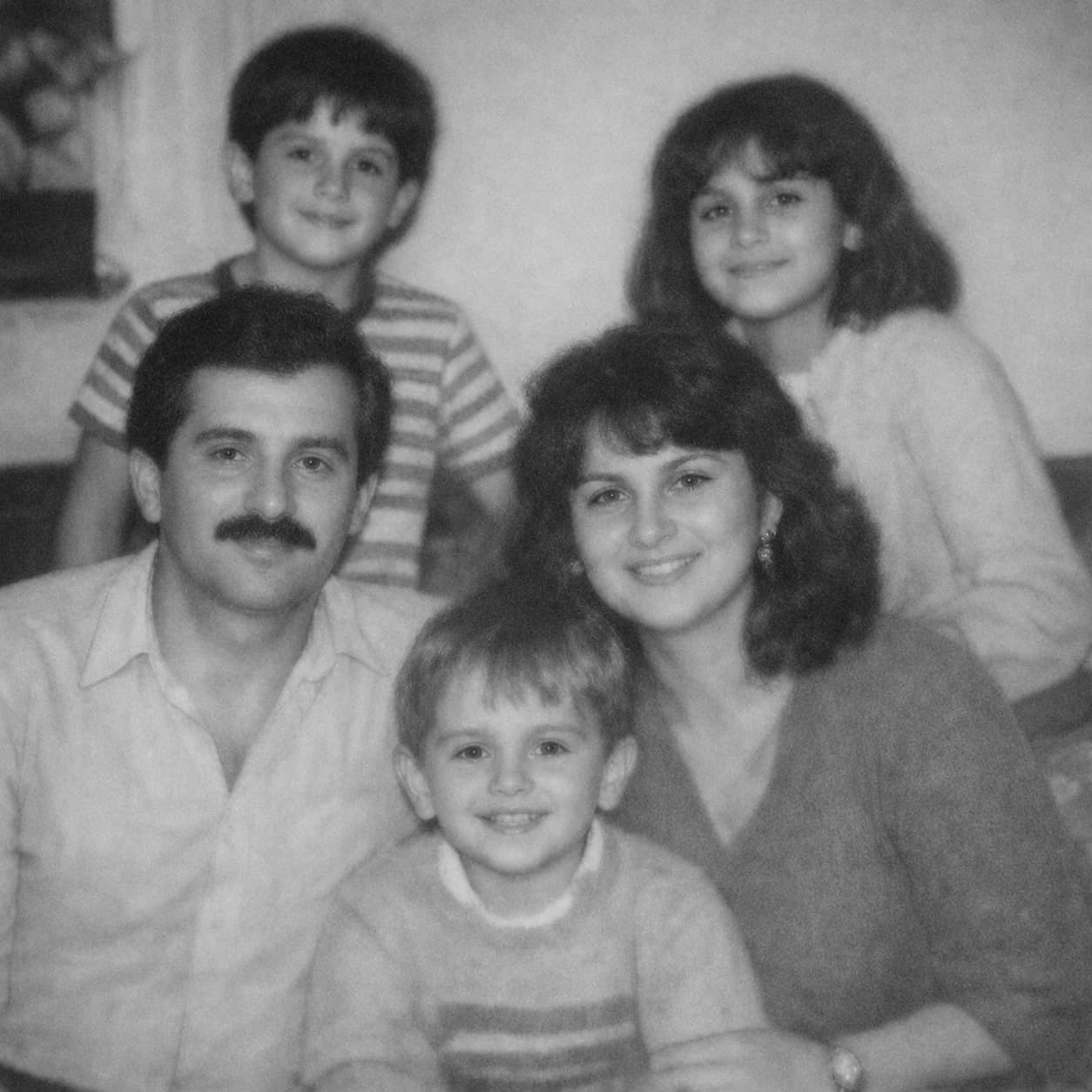
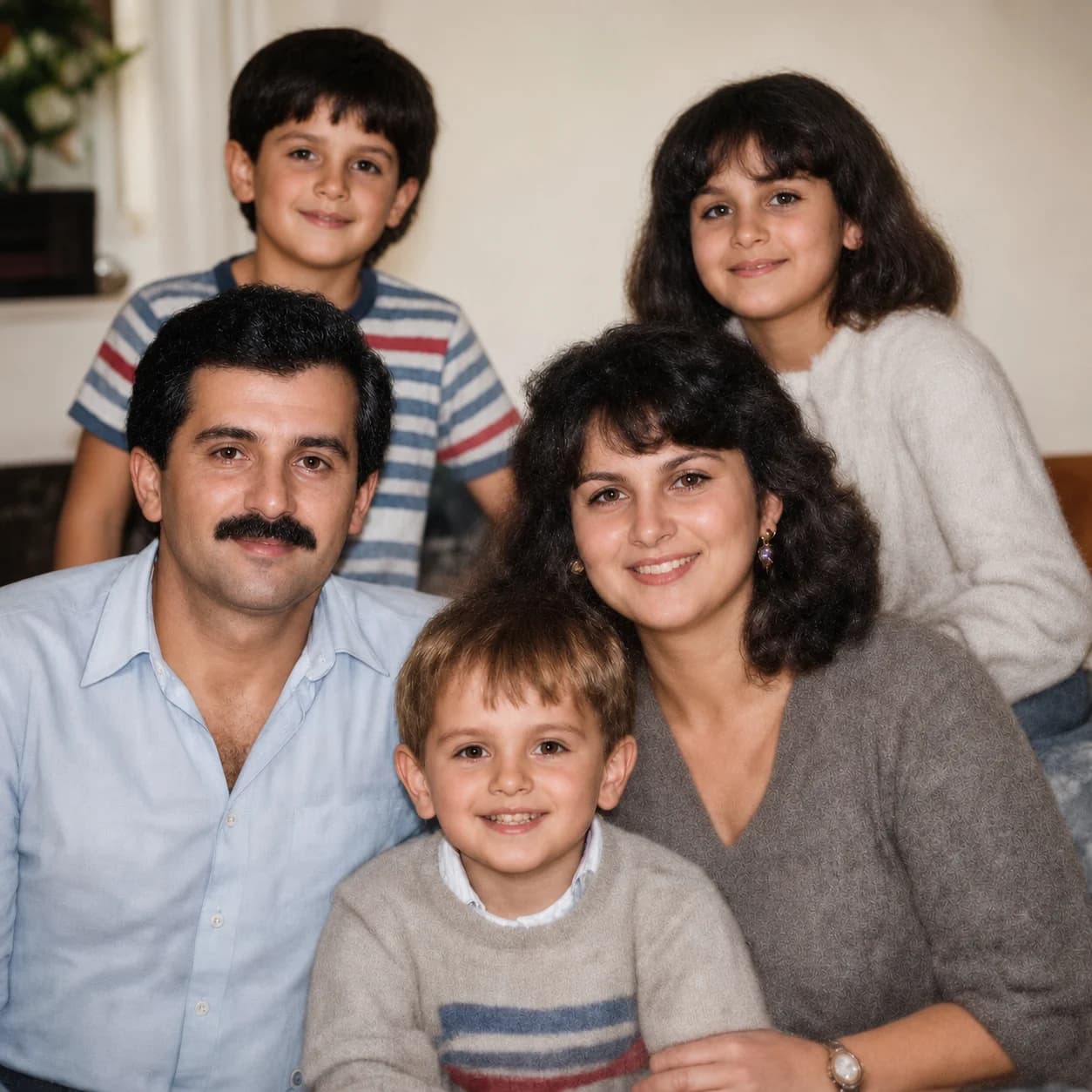
Every Memory Deserves to Live Forever
Old photos are more than images — they are your family's story. Nothron Legacy Touch preserves that story with the care it deserves.
Preserve Family Heritage
Give grandparents, parents, and children a clearer window into your family's history.
Instant AI Restoration
What once took professional studios days now takes seconds. No expertise required.
Treasured Keepsakes
Transform restored photos into framed prints, albums, and digital keepsakes for the whole family.
How Nothron Legacy Touch Works
Three simple steps to bring your old photos back to life
Upload Your Old Photo
Upload any old, faded, or damaged photo — JPG, PNG, or WEBP. Our AI handles all types of vintage and damaged photos.
Upload PhotoAI Analyzes & Restores
Our neural network analyzes damage, fading, scratches, and low resolution, then applies targeted restoration algorithms.
AI ProcessingDownload Your Restored Memory
Receive your restored photo in high resolution, ready for printing, framing, or sharing with your family.
High-Resolution OutputSee the Restoration Difference
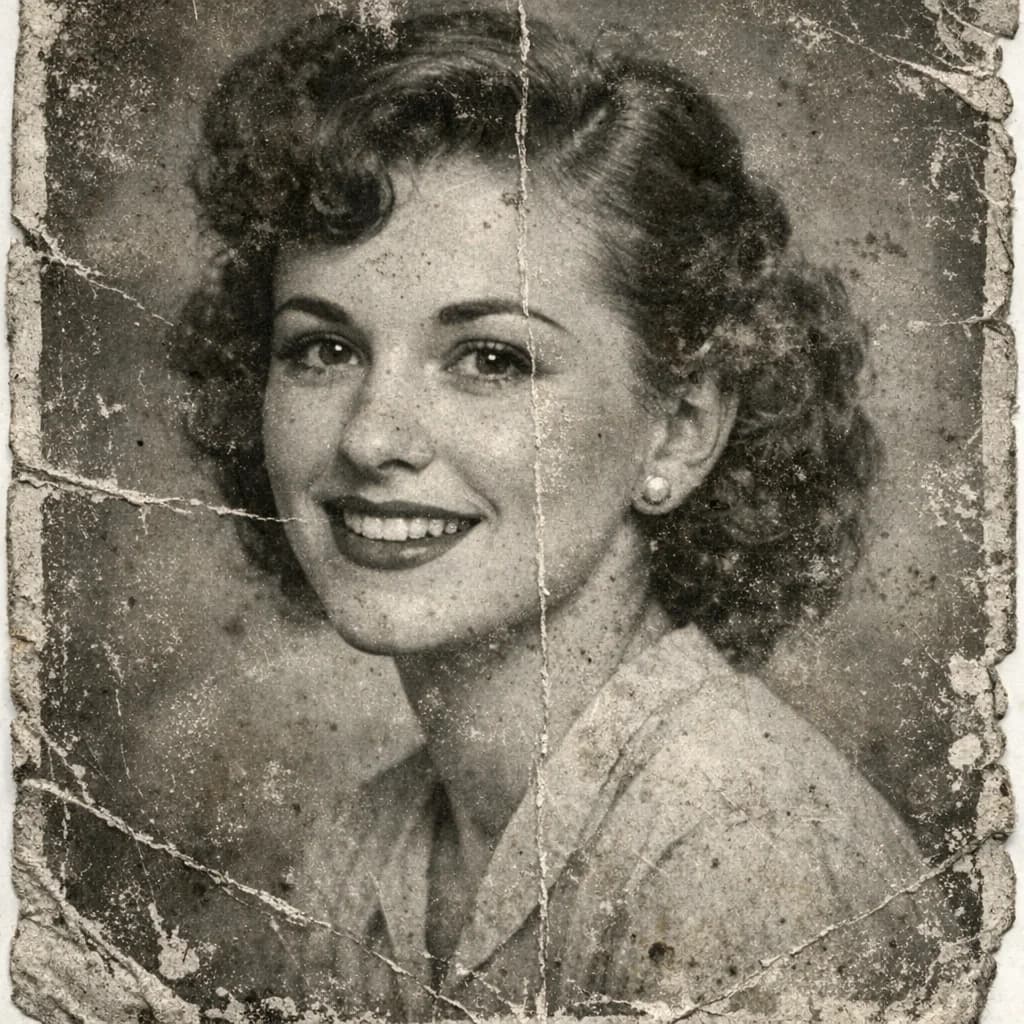

AI Damage & Quality Analysis
Before any restoration begins, our AI performs a comprehensive analysis of your photo to identify every type of damage, degradation, and quality issue.
What the AI Analyzes
Damage Detection
Identifies scratches, tears, water damage, creases, and missing areas at pixel level.
Fading Assessment
Measures color fading, yellowing, and overall tonal degradation across the image.
Resolution Evaluation
Determines original resolution and the optimal upscaling factor for maximum detail recovery.
Subject Recognition
Detects faces, figures, and key subjects to apply targeted enhancement with precision.
Smart Detection Features
- Automatic Face Detection
- Smart Damage Mapping
- Advanced Fading Analysis
- Color Science Restoration
Analyzing Photo Damage
Scanning for scratches, fading, and resolution issues...
Neural Photo Restoration Engine
Based on the damage analysis, our neural restoration engine applies the right techniques to bring your photo back to its original beauty — and beyond.
Restoration Technologies:
Color Revival Science
Reverses yellowing and fading using advanced color science to restore natural, vibrant tones.
Neural Sharpness Recovery
Reconstructs fine details from blurry, soft, or underresolved originals with neural clarity.
Damage Repair & Inpainting
AI inpainting fills in scratches, tears, and missing areas seamlessly and naturally.
Grain & Noise Removal
Eliminates film grain, digital noise, and dust artifacts while preserving fine textures.
AI Restoration Features
- Authentic, Natural-Looking Results
- Original Character Preserved
- Photo-Specific Adaptive Algorithms
- Real-Time Processing
Restoration in Progress
Applying neural restoration to your photo...
Quality Control & High-Resolution Delivery
Your restored photo goes through comprehensive quality checks and final optimizations to ensure it meets professional restoration standards.
Quality Assurance Process
Restoration Quality Check
Final verification of restoration accuracy, color consistency, and damage repair completeness.
Resolution Optimization
Optimized for large-format printing, digital frames, and family photo books.
Format & Size Processing
High-resolution multi-format output suitable for printing, sharing, and archiving.
Final Approval
Final quality review to ensure your restored memory meets our highest standards.
Delivery Features
- High-Resolution Output (up to 4K)
- Multi-Format Support
- Instant Download
Restoration Complete
Your memory is ready to be treasured forever!
What is AI Photo Restoration?
AI photo restoration uses artificial intelligence to repair, enhance, and recover the quality of old, damaged, or low-resolution photographs. Nothron Legacy Touch combines multiple neural networks to deliver professional-grade restoration results.
How AI Photo Restoration Works
Legacy Touch uses deep learning models trained on millions of image pairs to understand what undamaged photos should look like. The AI first assesses the damage type and severity, then applies a cascade of specialized restoration models:
Scratch & Tear Removal
AI inpainting identifies linear damage and reconstructs the hidden content using surrounding context.
Color & Tone Restoration
Neural color models reverse yellowing, fading, and discoloration to recover original tones.
Sharpness & Resolution Recovery
Super-resolution AI upscales blurry photos while recovering fine details like eyes, hair, and textures.
Face Detail Enhancement
Specialized face restoration models recover natural facial features from low-quality or faded portraits.
Grain & Noise Removal
Adaptive denoising removes film grain, dust spots, and artifacts without losing important detail.
Key Benefits of AI Restoration
Traditional photo restoration required skilled professionals spending hours with editing software. AI makes this accessible to everyone — no skills, no software, no waiting. Upload your photo and receive a professionally restored result in seconds.
Nothron Legacy Touch is designed for a wide range of restoration needs:
Why Choose Nothron Legacy Touch?
Nothron Legacy Touch combines years of AI research with an intuitive interface. Whether you are preserving family memories or working as a professional genealogist, our tool delivers results once only possible in high-end restoration studios.
Purpose-Built Restoration Neural Network
Unlike general-purpose image enhancers, Legacy Touch uses models specifically trained on old and damaged photography. The AI understands the unique characteristics of vintage photos — aged paper texture, damage patterns, and the color characteristics of different photographic eras.
Our adaptive algorithms automatically adjust the restoration approach based on the photo's age, damage type, and original quality. A 1920s portrait receives different treatment than a 1980s Polaroid — each restored with era-appropriate techniques.
Original Character Preservation
A key challenge in restoration is enhancing quality without losing the authentic feel of the original. Legacy Touch preserves the soul of your photo — the lighting, the mood, the era — while removing damage and improving clarity.
Complete Privacy & Security
Your family photos are deeply personal. Nothron processes them with the utmost care — isolated environments, never used for training, and permanently deleted after processing. Your memories stay yours.
Fast Processing
Complex multi-step restoration that once took hours is completed in seconds. Our infrastructure is optimized for speed without sacrificing quality.
Instant Before & After Comparison
Our interactive before/after slider lets you immediately see the full transformation. Drag to compare the original damage with the restored result.
No Skills Required
You do not need to know anything about photo editing to restore your family memories. Simply upload your photo, and our AI does everything. The result is always professional — no adjustments needed.
Frequently Asked Questions
Everything you need to know about AI photo restoration
What types of photo damage can Legacy Touch repair?
Legacy Touch can repair scratches, tears, creases, water stains, fading, yellowing, discoloration, grain, and blur. It can also upscale low-resolution photos and recover fine details from poorly lit or soft-focus originals.
What file formats does Legacy Touch support?
You can upload JPG, PNG, and WEBP files. We recommend scanning physical prints at 600 DPI or higher for the best restoration results.
Can it restore very old photos from the 1900s?
Yes. Our AI is specifically trained on photographs from different historical eras and understands the unique degradation patterns of old photography.
Will it change the people or faces in the photo?
No. Legacy Touch enhances and recovers detail from existing faces without altering the person's appearance. The goal is always faithful restoration, not alteration.
Is my photo private and secure?
Absolutely. Your photos are processed in an isolated environment, never stored permanently, never used for training, and deleted after processing. Your family memories are completely private.
How long does the restoration take?
Restoration typically completes in 10–30 seconds depending on file size and damage complexity. Even heavily damaged photos are processed quickly.
Can I restore a black and white photo?
Yes. Legacy Touch enhances and sharpens black and white photos, removing grain and recovering detail. Colorization is not included in this tool.
How large can the output photo be?
The restored photo can be up to 4K resolution, making it suitable for large-format printing, framing, and digital displays.
Does it work for scanned prints?
Yes. Photos scanned from physical prints are a primary use case. For best results, scan at 600 DPI or higher. The AI handles scan artifacts and compression well.
Can I restore multiple photos at once?
Currently, Legacy Touch processes one photo at a time to ensure maximum restoration quality for each image. Batch processing is coming soon for Pro subscribers.
Bring Your Family Memories Back to Life
Upload your old photo now and see the restoration transformation in seconds. Thousands of families have already brought their precious memories back to life.
No credit card required • Free trial available • Instant results